

Learn how to remove a data warning on Android, set your data usage limits, and set the right billing cycle, which in turn will avoid unexpected alerts.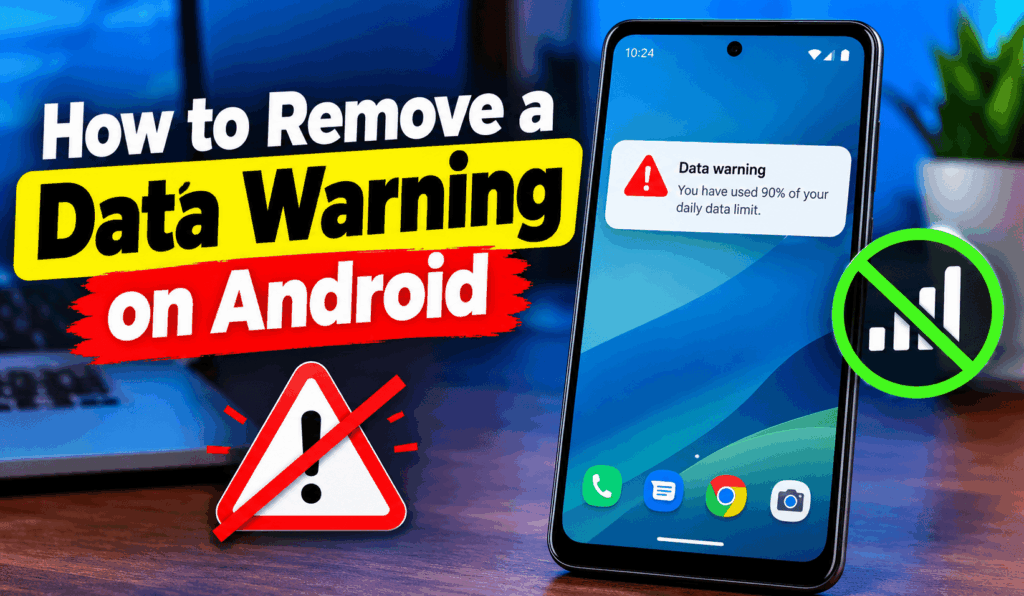

How to Remove a Data Warning on Android
If you are noticing that your Android is alerting you to a data warning, you may wonder how to remove a Data Warning on Android Permanently. Usually, such a warning is given when your phone goes a certain mobile data usage mark. To prevent overage charges, Android has this as a feature that reports you on your data usage. Also, you can easily change or turn off the warning in your phone settings.
Read More: How to Enable Auto Switch to Mobile Data on Android
Why Does the Data Warning Appear?
Before remove a Data Warning on Android, it is useful to know what causes it. Android device sets a data warning, which is a trigger point for your mobile data use. When you hit that limit which you have chosen for a particular billing cycle the app alerts you. The alert is not to say that your internet connection is down. It does report that you have used a certain amount of your mobile data. If you have a large or an unlimited data plan, we would recommend that you turn this option off.
Read More: How to Change Mobile Data Settings on Android
Steps to Remove a Data Warning on Android
The exact procedures may vary based on your Android phone, which manufacturer it is, and what version of software you have. But for the most part the processes are the same.
- First, go to the Settings app on your Android device. Then find what may also be labeled as Network Internet, Connections, or Mobile Network. Tap the option for your mobile data.
- Now go to Data Usage or Mobile Data Usage. Look for Data Warning and Limit. In some Android phones, you may find this option in a three-dot menu or within another mobile data settings section.
- Tap on Data Warning and set the value to a higher number. Also, if your phone gives an option to remove data warning, after you save the changes, Android should no longer present the warning at the old data limit.
Read More: My Mobile Data is on but Not Working (Android)
Change the Data Warning Limit
If instead of turning off the feature totally, you don’t want to you can increase the warning level for Data Warnings on Android. For instance, if your warning is at 2 GB at present you may set it to 10 GB or to what ever amount which better suits your monthly data plan. This option may continue to review your data without giving you too early notice, which before it is relevant.
Read More: How to Fix Data Connection Problem in Android Mobile
Check Your Billing Cycle
Sometimes the data warning is due to the fact that your phone’s billing cycle is different from what your mobile provider uses. In the Data Warning Limit section, check the data usage cycle and modify the start date as required. Setting the right billing cycles will improve the accuracy of your data tracking and also which in turn, will reduce confusing warnings.
Read More: How to Enable Backup and Restore Android Apps and Data
Conclusion
Learning how to remove a Data Warning on Android is an easy task once you find which settings to go to. Go to Settings, find the mobile or network data section, select Data Warning Limit, and either turn off the warning or increase the limit. Also change which, in turn may include the exact names of features. Should you have trouble finding your option, try the Settings search bar and see if it has what you are looking for like “Data Warning” or “Data Usage.