Learn how to check total downloads of Android apps across the Google Play Store, browser-based tools, third-party apps, and the Google Play Console in our easy step-by-step guide.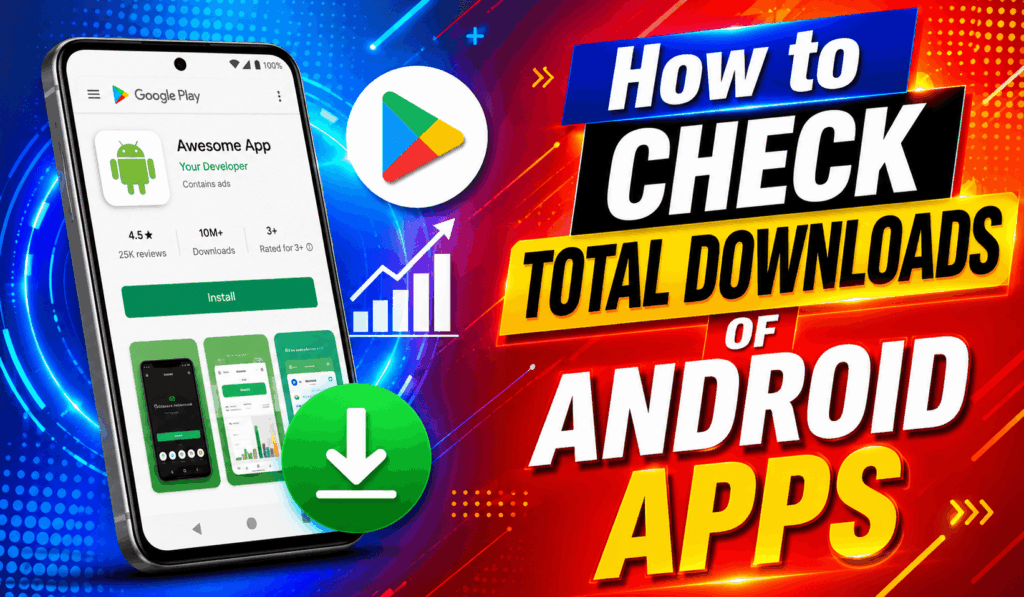
How to Check Total Downloads of Android Apps
If you are looking to see the Total Downloads of Android apps, there are some easy methods that we will present. These methods, when put into practice, will give you an idea of how popular an app is and how many users have downloaded it. We will go through the main steps and methods in detail. Also, it is of great use to know how to Check Total Downloads of Android Apps for users, developers, and marketers, which in turn will help them to better promote or to choose which apps to put their support behind.
Read More: How to Stop Google Play Store Subscription
Method 1: Check Total Downloads of Android Apps Using Google Play Store
This is the most used way to check total downloads of Android Apps.
Steps:
- Open the Google Play Store on your Android.
- Find the app you want to check.
- Click on the app in the search results.
- Scroll to the “About this app” section.
- Look for the installs/downloads section
Read More: How to Get Google Play Store Refund for Apps & Games
Result:
You will see download ranges like:
- 1,000+ downloads
- 10,000+ downloads
- 1,000,000+ downloads
- 100,000,000+ downloads
This is the easiest way to check total downloads of Android apps.
Read More: How to Update Google Play Store on Android Device
Method 2: Check Total Number of Downloads of Android Using a Browser
Also, you may check Total Downloads of Android Apps in a web browser.
Steps:
- Open any browser (Chrome, Firefox, etc.)
- Go to the official website of the Google Play Store.
- Search for the app name
- Open the app listing page
- Scroll to the app details section
Result:
We see the same download range as in the mobile app.
Method 3: Check Total Downloads of Android Apps Using Third-Party Tools
If you are looking for in-depth info on Android Apps’ Total Downloads, you may use analytics tools.
Steps:
- Open a website like AppBrain, Sensor Tower, or SimilarWeb.
- Search for the app you want to use.
- Select the correct app from the results
- View our download stats and growth data.
Result:
We will provide you with approximate download numbers and app performance data.
Method 4: Check Total Downloads of Android Apps Via Google Play Console (for Developers only)
This is the best method for checking Total Downloads of Android apps, which is for developers.
Steps:
- Log in to Google Play Console
- Select your app
- Go to the “Stats” or “User Growth” tab.
- View install and download data
Result: You Will See Exact download number and statistics data provided for you.
Conclusion
To Check Total Downloads of Android apps, the Google Play Store is what most users go to for this info at the present time. Third-party tools and Google Play Console give you more in-depth information. Each of these methods presents info in different ways, which in turn presents your app’s popularity and use in various dimensions. By which I mean via these methods, you are able to see how your app is doing in terms of reach, which in turn allows you to do a better job of comparing apps, choosing which ones to go with, and avoiding low-quality apps. It is a useful skill for when you are downloading or analyzing Android apps.
Leave a Reply