Learn how to create a cloned app on Android with the use of native features and also with third-party tools. Also, we’ll cover how to run many accounts at the same time in a secure way on one device.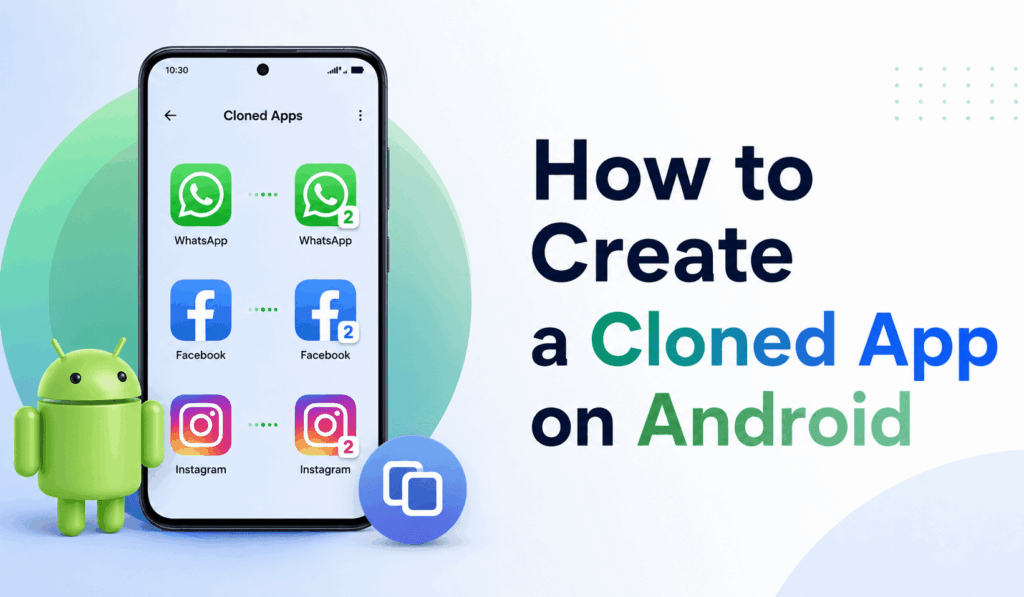
How to Create a Cloned App on Android
Many of our Android users report that they have to use two of the same apps on their phone. For social media, business, communication, and work purposes, we see that many are interested in how to cloned a App on Android. App cloning, which is the practice of copying an app, allows users to have separate accounts at the same time without having to log in and out.
Read More: How to Check Total Downloads of Android Apps
Benefits of Creating a Cloned App on Android
There are many benefits when you create a Cloned App on Android, including:
- Use separate accounts on the same device.
- Separate personal and work profiles.
- Operate various social media accounts.
- Run various game accounts without changing devices.
- Improve productivity and convenience.
In that regard, app cloning has become a popular feature among the Android user base.
Read More: How to Auto Update Apps on Android
Built-in Methods to Create a Cloned App on Android
Many smartphone brands include an in-built app cloning feature. As per device brand, this feature may be called:
- Dual Apps
- App Twin
- Parallel Apps
- Clone Apps
To Set Up a Cloned App on Android, go into your device settings, find what they have for app cloning, choose the app you wish to clone, and turn that feature on. Once the process is complete, you will see the duplicate app on your home screen.
Read More: Top 10 Best Anime Apps
Using Third-Party Apps for App Cloning
Another popular method to create a Cloned App on Android is via third-party cloning apps. Also, we see that popular app cloning tools which which provide a simple-to-use interface for users to duplicate apps in minutes.
These tools, which also include a feature of cloning apps for devices that do not have a native app clone feature. Once installed, users are to choose an app that they want to duplicate, which in turn creates a separate, independent instance of the original app.
Security Issues When Creating a Cloned App
Before you create a cloned app on Android, pay attention to security and privacy issues. Use only reliable cloning services, and also, you should go over the permissions that the app is asking for.
Here are some security tips:
- Download apps from reputable sources.
- Keep your device updated.
- Avoid granting unnecessary permissions.
- Use secure passwords for all of your accounts.
Follow these tips for a safer app cloning experience.
Performance Impact of Cloned Apps
While today’s Android devices do perform well with cloned apps, we see that the creation of many app copies may, in fact, increase your device’s storage use, RAM consumption, and battery life. After creating a Clone of an App on Android, pay attention to your device’s performance, which should stay smooth.
Why Businesses Use Cloned Apps
Many professionals, including business owners, freelancers, and social media managers, choose to develop their own version of an app on Android, which they use to separate personal use from business. We see this a lot in which these individuals run many different accounts for their clients and projects. What app cloning does is that it makes it easier to stay organized and, at the same time, maintain high levels of productivity on the same device.
Conclusion
Learning how to create a cloned app on Android is a practical solution for those who require multiple accounts on one phone. In which you use native Android features or a reliable third-party cloning tool, app cloning is a convenient option that also increases the flexibility and improves account management. As long as you follow proper security measures, users can safely set up a cloned app on Android and, as a result, have a more efficient mobile experience.
Leave a Reply