Learn how to clear YouTube cache on Android, which in turn will free up storage, fix buffering issues, improve app performance, and also fix common app glitches in minutes.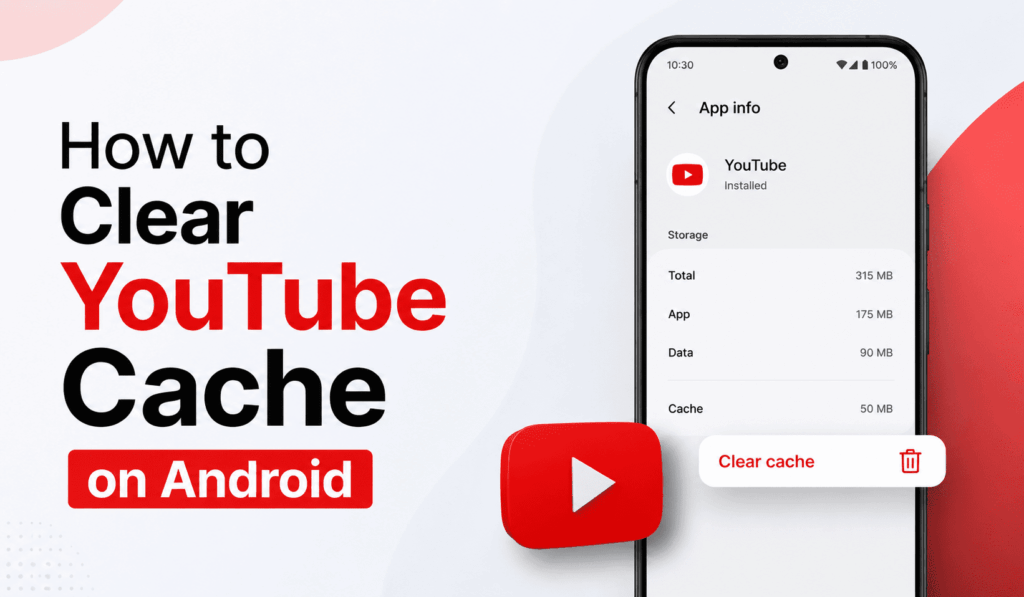
How to Clear YouTube Cache on Android
If you are experiencing slow performance, freezing issues, or if the YouTube app is using up too much of your storage, a great solution is to Clear YouTube Cache on Android. While cached files improve the speed at which the app plays videos and other data, in the long term, some of this temporary data may become corrupted or fill up your storage. By learning how to clear the YouTube Cache on Android, you may see improved app performance and free up space on your device.
Read More: How to Setup YouTube Parental Controls Android
What is YouTube Cache?
The YouTube app stores temporary data, which we call the cache. It stores thumbnails, video info, search history, and other frequently used files. While the cache does help with the speed of the load time, a large-scale cache can cause issues like app crashing, buffering, and slow performance. That’s what many Android users report to Clear the YouTube Cache to keep the app running smoothly.
Read More: Top 10 Best Android Video Editor Apps
Why Should You Clear YouTube Cache on Android?
There are several benefits to clearing the YouTube cache on Android:
- Frees up space on your device.
- Fixes loading and buffering issues.
- Resolves app glitches and crashes.
- Improves overall YouTube performance.
- Removes outdated temporary files.
If you are having issues with the YouTube app, the first thing to try is to Clear YouTube Cache on Android and then reinstall the app.
Read More: Android vs iPhone Smartphone Complete Comparison
Steps to Clear YouTube Cache on Android
Here are easy steps to clear YouTube Cache on Android:
- Open the Settings on your Android device.
- Scroll down and click Apps or Applications.
- From the list of installed applications, select YouTube.
- Tap Storage & Cache.
- Select Clear Cache.
- For a few seconds, the process will finish.
After you clear the YouTube Cache on Android, the app will function as before, and your account info, subscriptions, and saved playlists will be the same.
Does Clearing Cache Delete YouTube Data?
Many people think that when they clear YouTube Cache on Android, they may lose important data. What we have is that clearing the cache only removes temporary files. Your Google account, online watch history, playlists, downloads (based on app settings), and subscriptions are safe. If you go for “Clear Storage” instead of “Clear Cache,” some of the app data may be removed.
How Often Should You Clear YouTube Cache on Android?
There’s no hard and fast rule, but we recommend that you clear the YouTube Cache on Android at least once a month if you use the app a lot. Very heavy users may see several hundred megabytes of cached data build up over time. By performing regular maintenance, you help to avoid performance issues and also keep storage use in check.
Conclusion
All the methods there that improve your Android device’s performance. Knowing how to clear YouTube Cache is a simple yet very effective one. Also, in situations of buffering, app crashes, or low storage, try as much as you can to clear YouTube Cache on Android. It works by making a routine of this; you will see that your YouTube experience on your phone or tablet is smoother and faster.
Leave a Reply