Learn how to turn on Notification History on Android, which is a simple process. See recent alerts and get back to previously dismissed notifications on your Android device.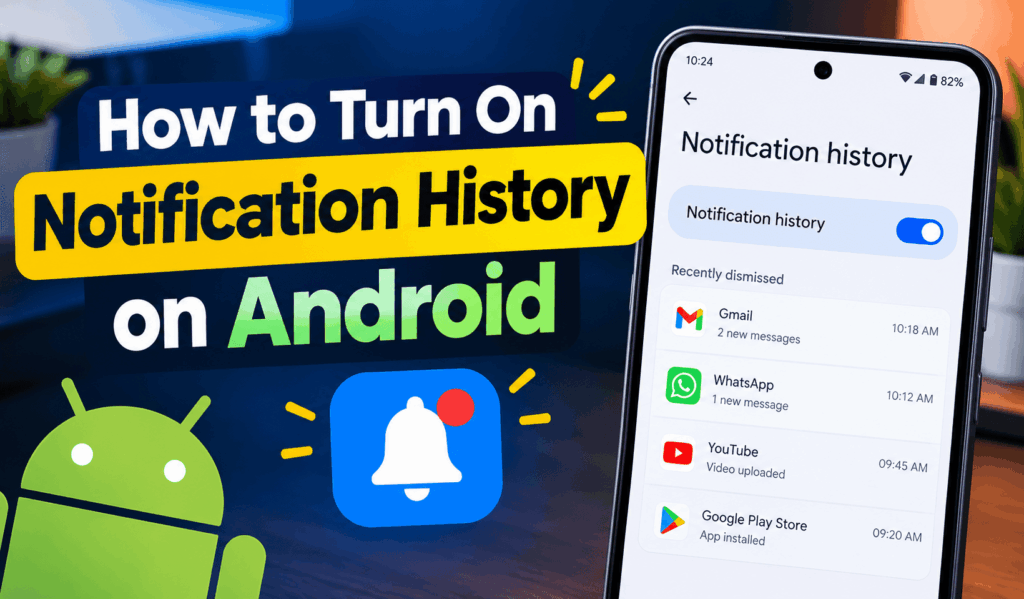
How to Turn on Notification History on Android
If you often dismiss notifications without reading them, you may find Value in setting Notification History on Android. The Notification History feature allows you to go back and see recent notifications you may have missed app alerts, messages, and other services. Also, if you by mistake swipe away an important notification that came in, then Notification History is a great tool to track it down.
Read More: How to Turn off Facebook Notifications on Android
What is Notification History on Android?
Notification History is a feature in Android that records your recently dismissed notifications. Based on the version of Android you have and your phone manufacturer, the exact settings will present themselves slightly differently. But the general process for how to Turn On Notification History is very much the same for all. Once you enable Notification History, your Android device will save recent notifications, which you can go back to check. Also, if you receive a large number of alerts per day, this is very useful.
Read More: How to Mute WhatsApp Group on Android Phone
Steps to Turn on Notification History on Android
Follow these steps to turn on Notification History on Android:
- Open Settings on your Android phone.
- Scroll down to choose Notifications.
- Check your Notification History.
- Tap into the notification history to set it up.
- Enable the Use notification history or similar option.
- Return to the prior screen after enabling the feature.
Once you Turn On Notification History on Android, dismissed notifications start to appear in your notification history. Also note that notifications which were received before you enabled the feature may not appear in the history.
Read More: How to Block Notifications on Android
How to Check Notification History
After you turn on Notification History on Android what you do is go to Settings, choose Notifications, and then tap on Notification History. You will see your recently dismissed and also recently received notifications, which may vary by device. Here is a feature that allows you to see an alert you may have missed or view notifications from applications you may have forgotten about.
What Turn on Notification History on Android?
There are a number of reasons to use Notification History on Android. You may have accidentally swiped out a message, missed an important reminder, or removed many notifications without opening them. Notification History provides you with an easy way to go back and see those alerts. For those who check in to your phone frequently, Turn On Notification History on Android also which may make the management of notifications easier for you. Also, you will have the option to look at your past notifications when you think of it instead of deleting something important by accident.
If You Cannot Find Notification History
If you can’t find the Notification History option, your phone may be running a different version of Android or has a manufacturer-customized interface. Also try to search for Notification History within the Settings app. The feature on some devices may have a different name or location. Also try updating your phone to the latest available Android software.
Conclusion
Learning how to turn on Notification History on Android is an easy way to track down missed notifications. In Settings under Notifications, you may select Notification History and turn the feature on. If your device has this option, you will want to use it for that extra ease of access and peace of mind.
Leave a Reply